Point. Select. Discover.
Choose room markers or the viewpoint list. In VR, use trigger or pinch. Left joystick changes viewpoint; right joystick turns in 30° steps.
 THIRD VISIONIMMERSIVE SPACES
IMMERSIVE EXPERIENCE
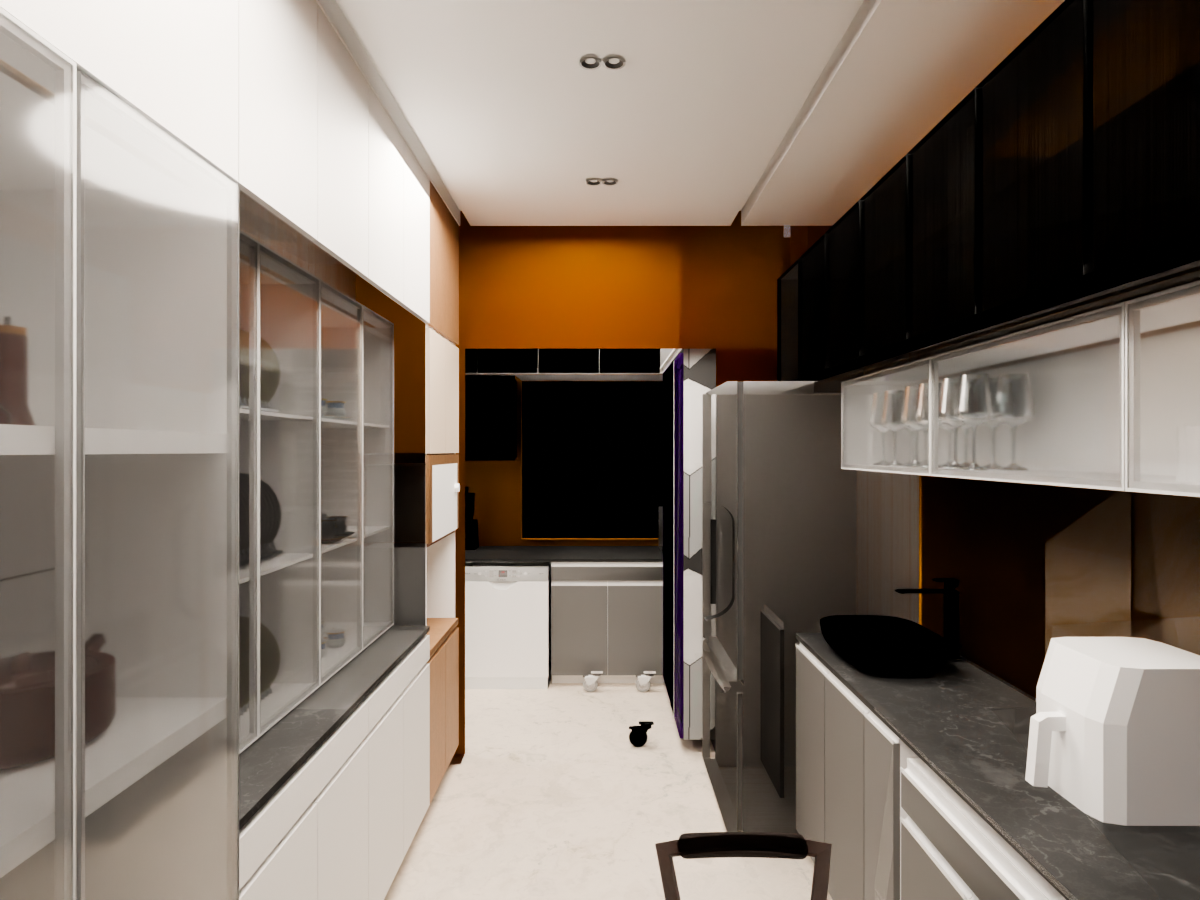
THIRD VISION / IMMERSIVE SPACES
Welcome to Third VisionImmersive Experience
Preparing your first viewpoint…
Loading viewpoint…
Choose room markers or the viewpoint list. In VR, use trigger or pinch. Left joystick changes viewpoint; right joystick turns in 30° steps.
Transitions use a short fade. Each panorama is a fixed camera position; physical movement does not create new geometry or stereo depth.
Start the guided tour for a timed sequence, or select any room yourself. Controller grip reopens the room menu inside VR.
FROM A VIEWPOINT TO YOUR VISION